Documents process in Tax Automate
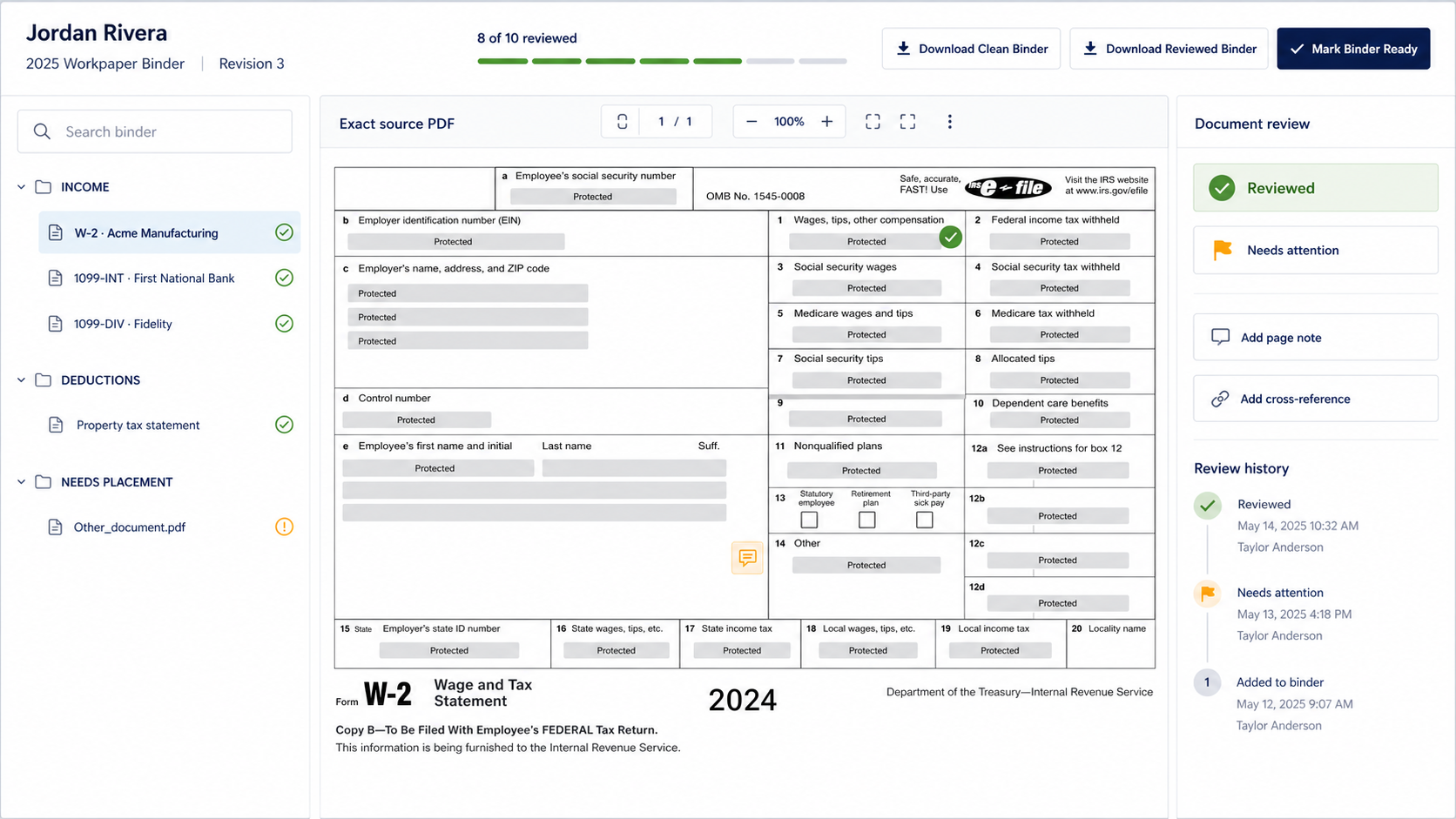
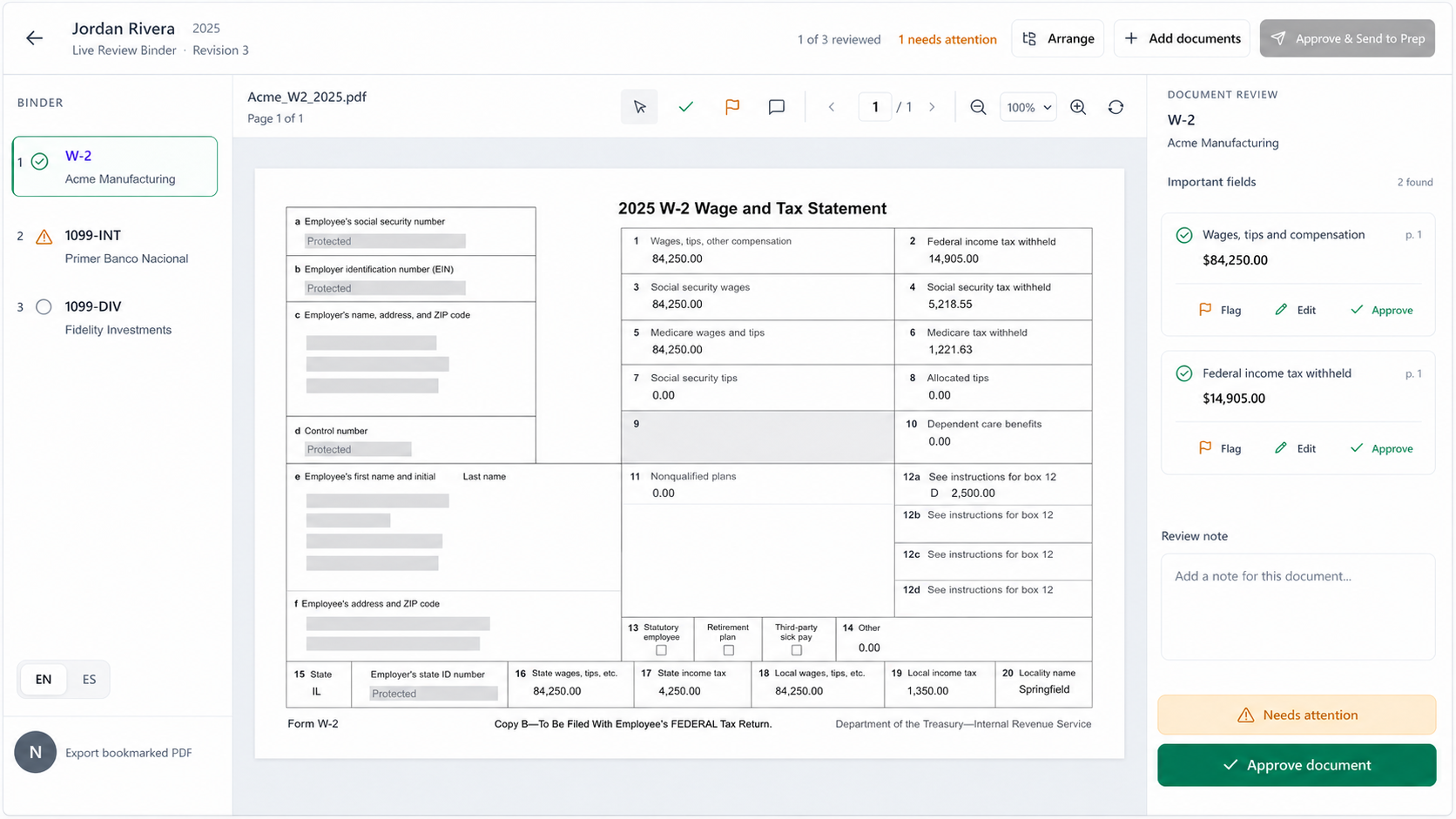
Supported evidence is classified and organized before output generation.
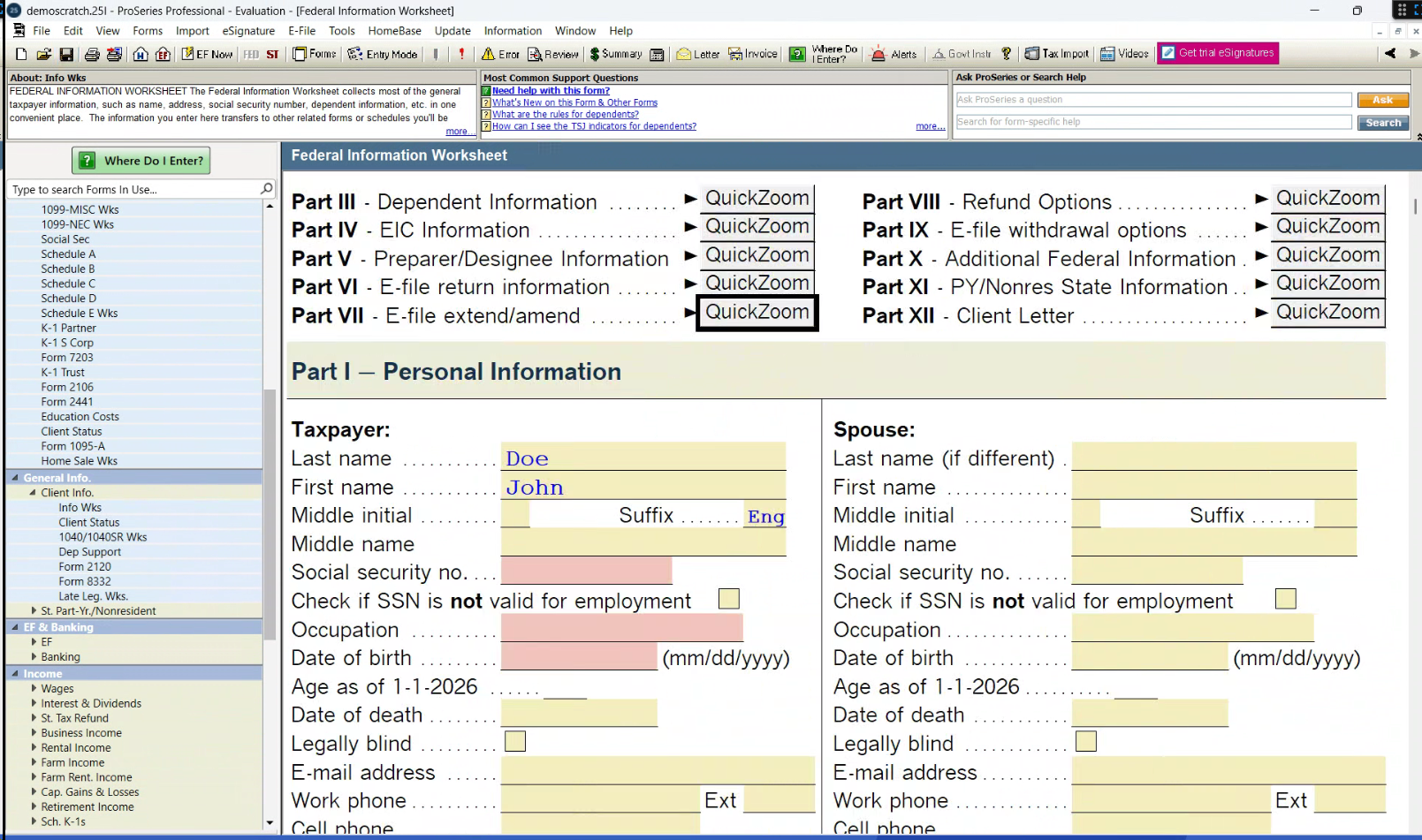
Tax Automate reads and organizes source documents on its server and produces downloadable output for supported ProSeries workflows. Your team completes the ProSeries-side import, validates every entry, and controls filing.
The current implementation uses a server processing lane and downloadable result archives for supported work. The firm remains responsible for importing or opening the output in ProSeries and verifying the return.
Supported evidence is classified and organized before output generation.
The current boundary is downloadable ProSeries result output, not background control of the ProSeries desktop application.
Your authorized professionals import, validate, resolve exceptions, approve, and decide whether to file.
Tax Automate prepares supported output; ProSeries remains the tax software of record.
Identify and classify supported W-2s, 1099s, 1098s, IDs, and related source documents.
Map supported evidence to taxpayer, spouse, return sections, and unresolved items.
Create the supported ProSeries result package for download from Tax Automate.
Your preparer handles the ProSeries-side step, runs validations, checks source support, and controls filing.
Source documents, generated output, job state, and unresolved items remain available for the preparer to inspect before importing and relying on the return.
This page describes Tax Automate’s current ProSeries server/file lane only. It does not represent a dedicated ProSeries machine connector as available.
ProSeries, Intuit, and related product names and marks belong to their respective owners. Tax Automate is an independent product and is not affiliated with, sponsored by, or endorsed by Intuit. Read the ProSeries automation buyer guide and AI tax-preparation software evaluation guide.
Automation organizes and prepares the work. Your authorized tax professionals review the return, resolve exceptions, apply judgment, approve the result, and control client delivery.
Not in the current ProSeries lane. Tax Automate processes supported documents on its server and provides downloadable result output. The firm handles the ProSeries-side step.
No. ProSeries remains the tax software of record. Your team imports or opens the supported output, validates entries, resolves exceptions, and controls filing.
There is no universal completion-time promise. Timing varies with document volume and quality, return scope, service availability, and items requiring professional judgment.
Support varies by tax year, return type, document mix, and current output format. Confirm your exact workflow during evaluation before relying on it in production.
No. Tax Automate does not autonomously file returns. An authorized professional reviews the work and controls filing.
No. Tax Automate is independent. Product names and marks shown here identify compatibility and belong to their respective owners.
Tell us about your tax software, return volume, and current preparation workflow. We’ll show you where Tax Automate Prep fits.