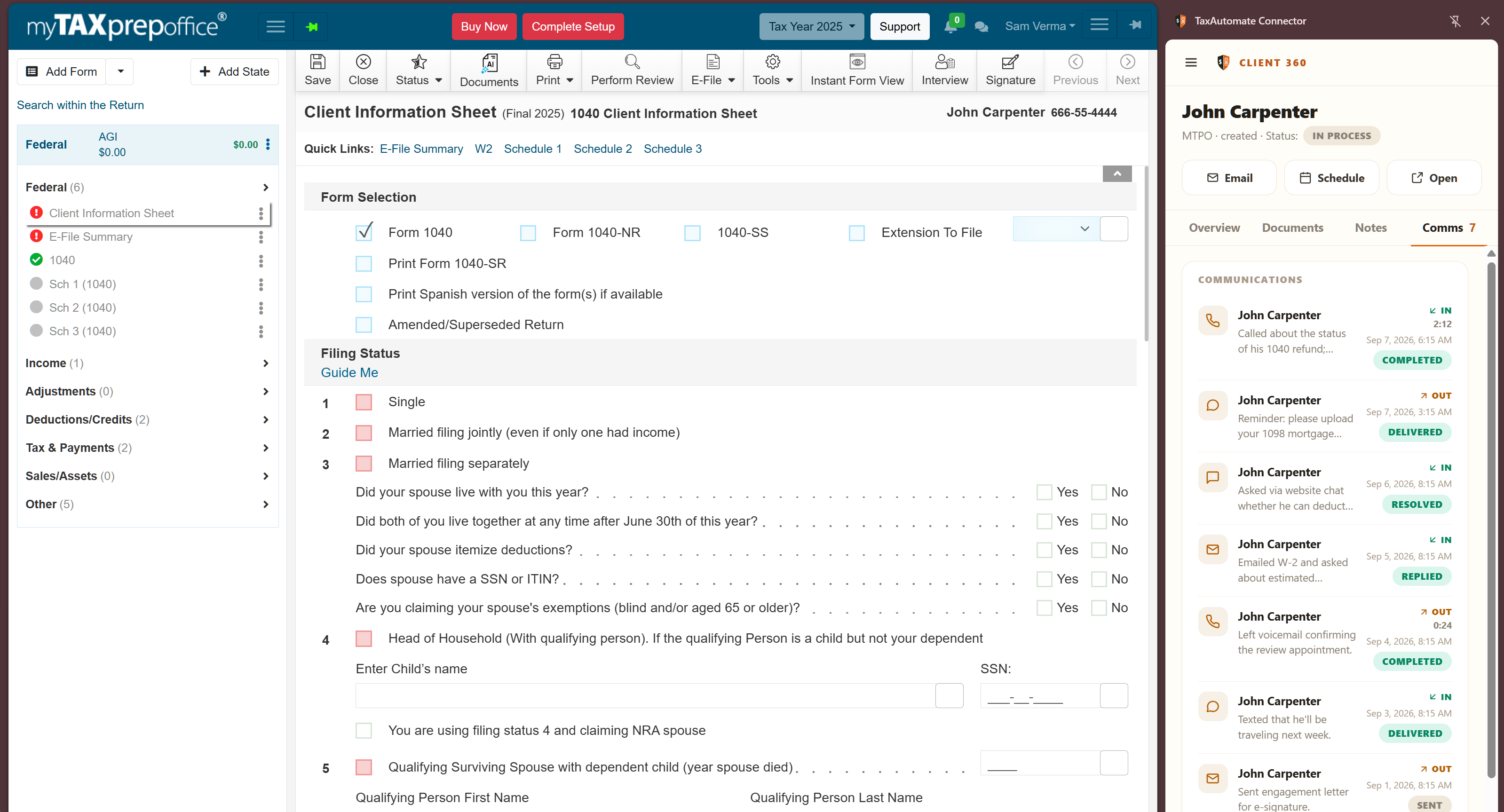
Works in the browser session
The connection uses the Tax Automate extension inside the firm’s authorized MyTAXPrepOffice session.
The Tax Automate browser extension works inside an authorized MyTAXPrepOffice session to receive supported client queues and synchronize workflow state. Your firm stays responsible for review, return completion, and filing.
The current connection coordinates supported workflow information with the browser session. It does not claim a direct vendor API or remove professional review from return preparation.
The connection uses the Tax Automate extension inside the firm’s authorized MyTAXPrepOffice session.
Each installation is authorized with dedicated access credentials rather than sharing a general account secret.
Your authorized professional validates the work, completes the return, and controls filing and client delivery.
The connection stays scoped to the firm-approved browser installation and supported workflow queues.
Your firm enables the MyTAXPrepOffice integration in Tax Automate.
Install the browser extension and authorize that installation with dedicated credentials.
Receive supported client work and sync document, task, and status context.
Your authorized team completes professional review, return preparation, and filing.
The extension is designed to bring supported Tax Automate workflow queues into the environment where your team already works.
Yes. The configured current lane is an authorized browser-extension workflow.
No vendor API is represented. The current connection works through the Tax Automate extension in the firm’s signed-in browser session.
The firm enables the integration and authorizes the extension installation with dedicated credentials that can be revoked.
No. Your authorized tax professional reviews and completes the work and controls filing and delivery.
We’ll review browser requirements, installation authorization, supported queues, and professional control points with your team.
Book a workflow review →