Runs where CrossLink runs
A paired connector works on the authorized Windows machine rather than claiming a cloud-to-vendor API.
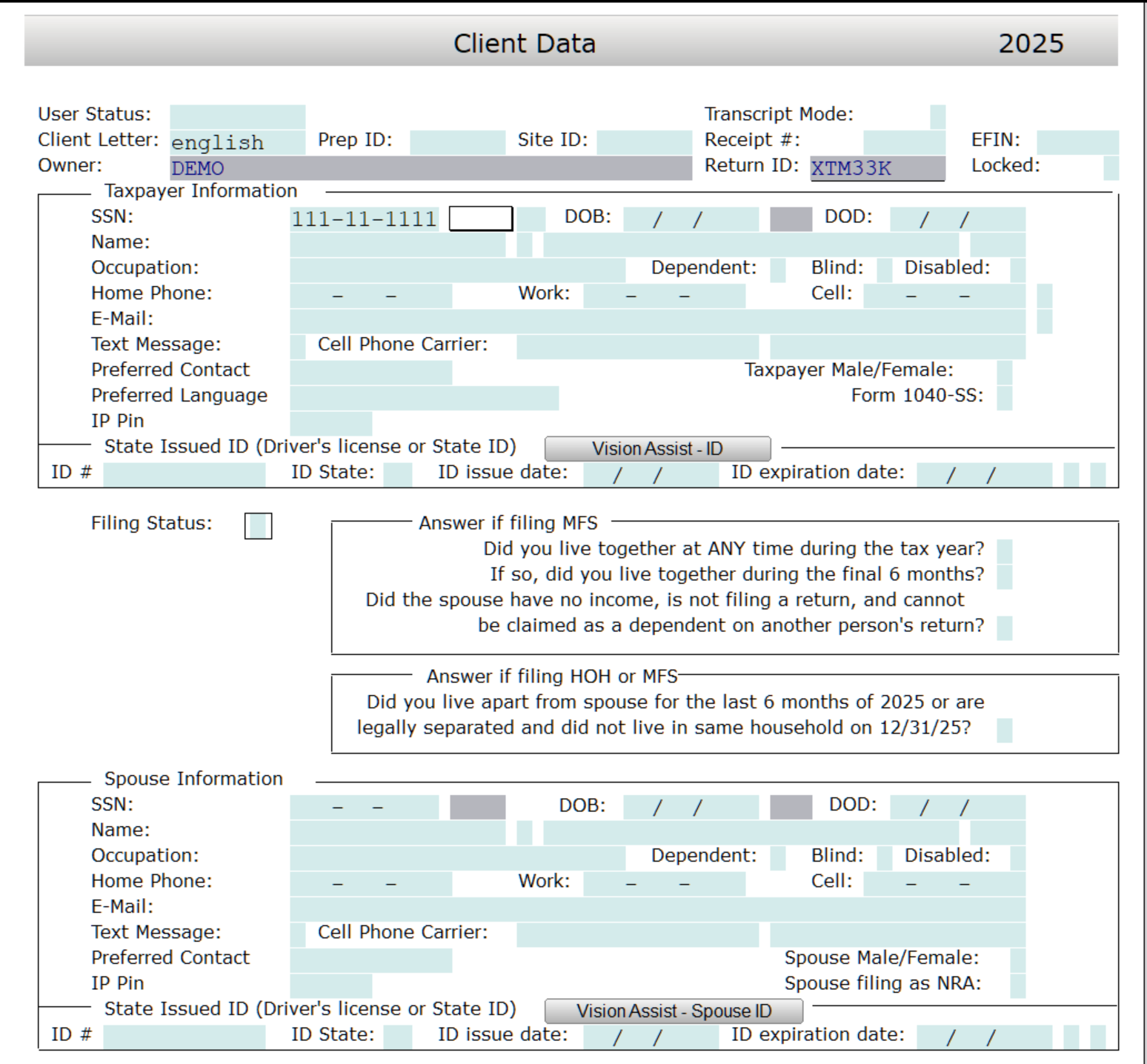
Tax Automate builds a supported entry plan, then a paired Windows connector uses controlled keyboard and interface actions to type that data into CrossLink. Your tax professional reviews the return and controls filing.
CrossLink stays the system where your team completes the return. Tax Automate supports the repetitive transfer of mapped data into the desktop workflow.
A paired connector works on the authorized Windows machine rather than claiming a cloud-to-vendor API.
Tax Automate prepares mapped values for the connector to enter through controlled CrossLink interface actions.
Your authorized professional checks the return, resolves exceptions, and controls finalization and e-file submission.
The product boundary remains visible at every step.
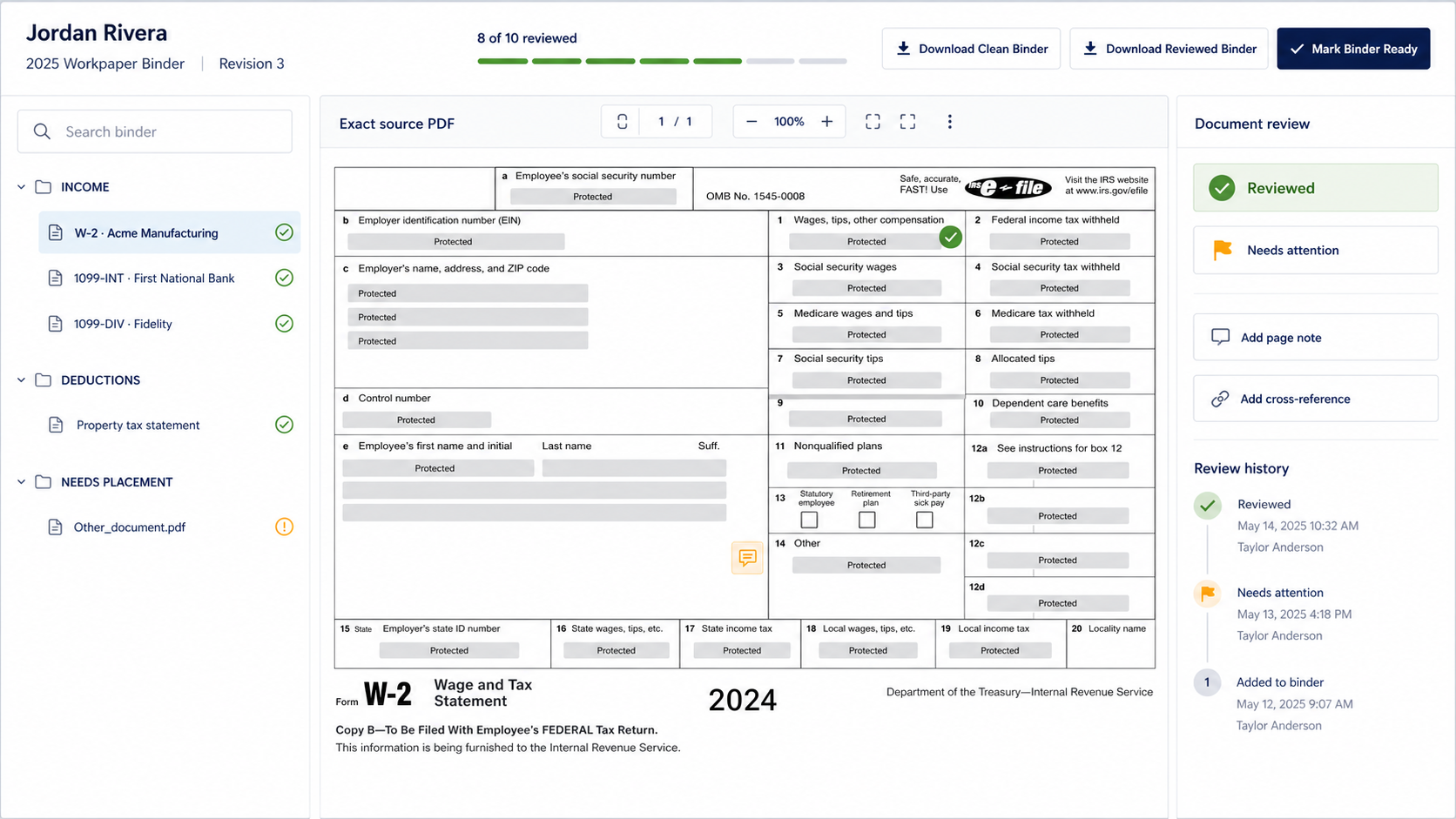
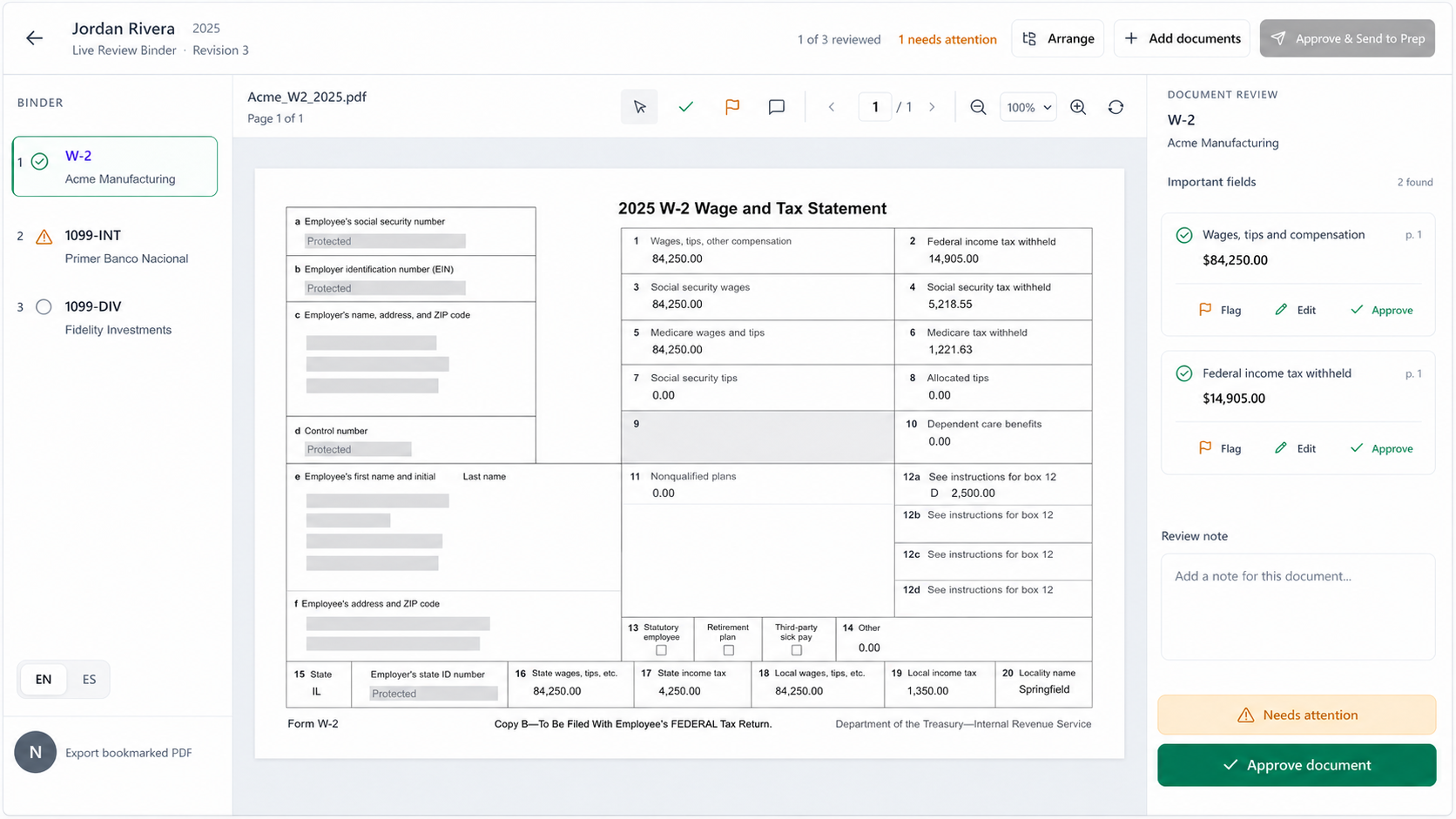
Identify supported source documents and extract candidate return values.
Build the supported CrossLink entry plan and surface missing context.
The paired Windows connector enters mapped values through CrossLink’s interface.
Your tax professional validates the return and controls filing and delivery.
The machine lane is designed for firms that already prepare in CrossLink and want a controlled way to move supported data into that existing process.
Yes. CrossLink is configured as an available machine-lane workflow using a paired Windows connector.
No vendor API is represented. The current lane uses controlled keyboard and interface actions on the authorized firm machine.
Yes. The machine lane runs where the supported CrossLink desktop workflow is available.
No. Your authorized tax professional reviews, finalizes, and controls filing and delivery.
We’ll review the supported workflow, the Windows connector requirement, and the professional control points before representing it as a fit.
Book a workflow review →